How the SKYNET servers work behind the scenes
You join the server, play your match and leave. But what is behind all of that? In this post we show how the SKYNET Gaming servers work under the hood: the machine, Docker, the plugins, the ranking, bans, backups and monitoring. It is a technical text, but written for players: you don’t need to know anything about servers to follow it.
Overview
SKYNET Gaming Brasil runs 5 servers, all on the same machine in São Paulo:
- TF2 24/7 Turbine, on the Turbine map only, with instant respawn;
- TF2 Dodgeball, Pyro only;
- TF2 MGE, 1v1 duels;
- TF2 Freak Fortress 2, one giant boss against everyone;
- Left 4 Dead 2, a co-op campaign.
Around them there are a few supporting services: a stats ranking, a public ban list, external monitoring, and restart and backup routines. All of it is described below.
The machine
The servers run on a VPS in São Paulo (a rented virtual server) with:
- an AMD Ryzen 9 9950X processor, with 4 vCPUs for our VPS;
- 8 GB of RAM;
- 180 GB of SSD storage;
- Ubuntu Linux.
Being in São Paulo matters for players in Brazil and Latin America, because the distance to the server is short and the ping is low. Since five game servers share the machine, the CPU cores are split between them: each server uses its own group of cores, so a full server doesn’t hurt the performance of the others. Want to understand why the processor matters so much? Read What is tickrate and why 100 tick makes a difference in TF2.
Docker: one container per server
Instead of installing everything “loose” on the system, each server runs inside a Docker container. A container is like a sealed box that carries the program and everything it needs to run. The advantages for us:
- Isolation: a problem in one server doesn’t take down the others.
- Organization: each server has its own settings and files, kept separate.
- Simple updates and recovery: recreating a container is quick, and so is going back to a previous state.
- Predictability: the server behaves the same way every time it restarts.
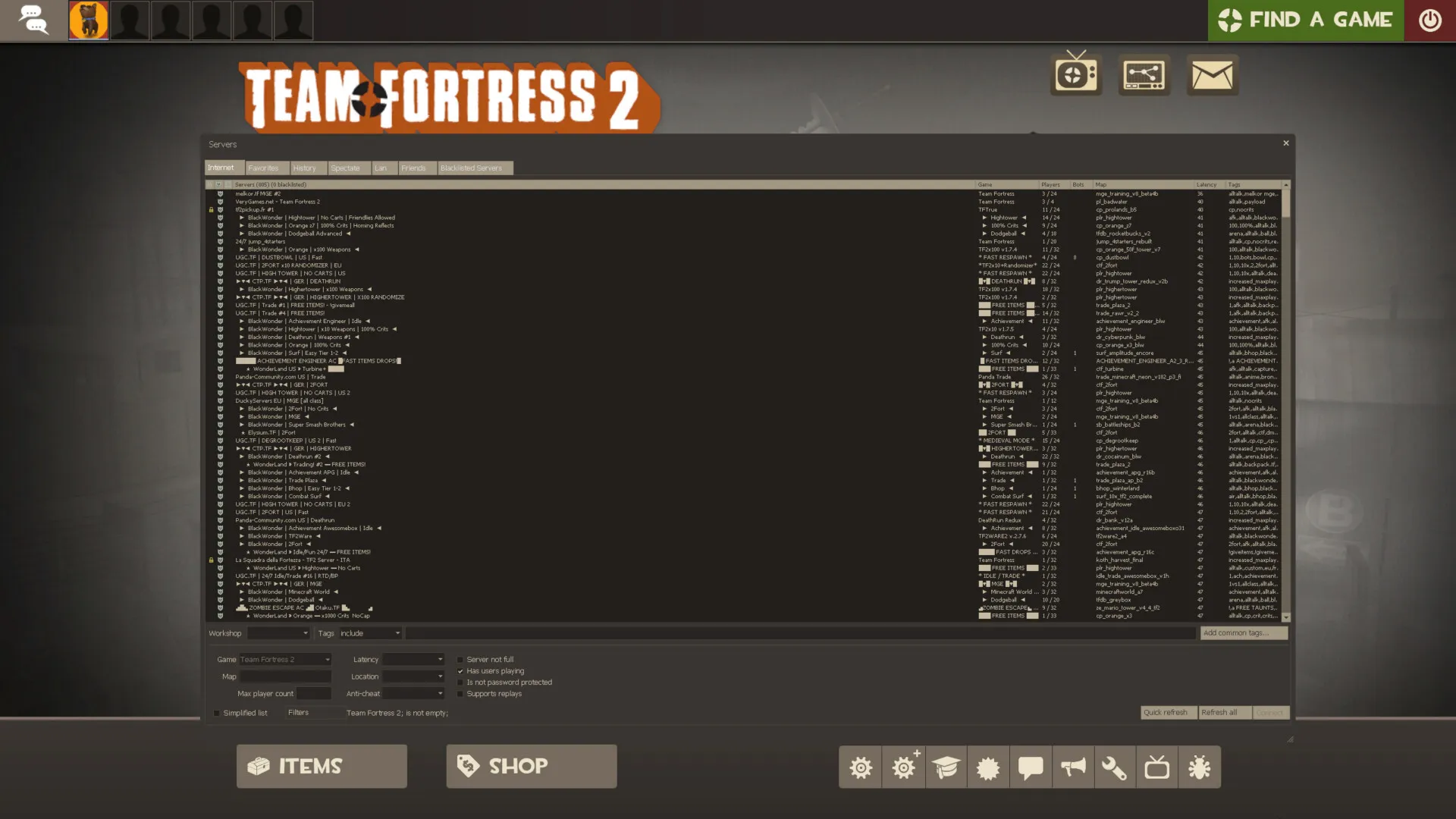
The TF2 servers use the images from the open source melkortf/tf2-servers project, which come with Team Fortress 2 ready to run on Docker. If you want to understand the foundation of all this better, also read What is Linux and why it runs the world’s servers.
The five servers
TF2 24/7 Turbine
A server for 44 players, at 100 tick, on Turbine only, 24 hours a day, with instant respawn. Until 10/26/2026 it was called Classic Maps and had a rotation of classic maps with a vote; then it became 24/7 2Fort and, since 11/23/2026, it is 24/7 Turbine: a single fast, straightforward map, so the server fills up faster.
TF2 Dodgeball
A server for 16 players, at 100 tick and Pyro only: the goal is to deflect the rockets. With fewer than 4 players, the SKYNET BOT joins for practice, with no ranking. It has its own ranking:
- +1 for each kill;
- −1 for each death, including deaths from a rocket that wasn’t deflected;
- +2 for every player on the winning team.
Points only count when there are 4 or more players on the server. To learn more about the mode, see What is Dodgeball in TF2.
TF2 MGE
A 1v1 dueling server for 12 players, at 100 tick, with the mge_training_v8_beta4b map and its 18 arenas. It has its own ranking: +5 for every duel won and −2 for every duel lost; kills and deaths don’t count. It shares the processor with the website and the database, but with priority over them: if the web panels get attacked, the panels slow down, not the game. See how to play in What is MGE in TF2.
TF2 Freak Fortress 2
A server for 24 players running Freak Fortress 2: each round, one player becomes a giant boss (like Saxton Hale) with lots of health and special abilities, and the rest of the server plays against them. It runs Freak Fortress 2: Rewrite, with 10 bosses, on the game’s official arena maps. In the ranking, each kill is worth +3 and each death −1. Until 10/27/2026 this server was Zombie Infection.
Left 4 Dead 2
A co-op campaign for 20 players, at 100 tick and always on Expert. The match starts with 4 survivor bots. The server has the !buy menu: you earn points by killing infected (including common zombies) and spend them in the menu. Your points reset every map.
SourceMod and plugins
SourceMod is the platform that lets you install plugins on Valve game servers. It powers the map votes, the !buy menu, the Dodgeball scoring rules and much more. We use several community plugins, and several of them were built from scratch by SKYNET itself for things that ready-made plugins didn’t do the way we wanted.
Ranking: HLstatsZ
The ranking uses HLstatsZ (SnipeZilla/HLSTATS-2), with the hlstatsz-web frontend. It records what happens in each match and builds each player’s stats. The rankings are separate by server and by game: Classic Maps, Dodgeball, MGE, Zombie Infection and Left 4 Dead 2 each have their own table. See it all in the SKYNET ranking. To understand the scoring, read How the server ranking works.
SourceBans++
For bans we use SourceBans++, in a single installation for all servers. In practice: if you are banned on one server, you are banned on all of them, and the ban list is public. You can check it on the SourceBans panel. This gives transparency: anyone can see who was punished and why.
RCON and administration
RCON (Remote CONsole) is the server’s remote console: it lets you run commands, such as changing the map or adjusting a setting, without being inside the game. It is a powerful tool, which is why only the administration uses it, in a protected way: access is not open to the public and the password is never shared.
The administration has levels: owners and moderators, each with different permissions. Left 4 Dead 2 has its own admins, separate from the TF2 admins. Everyone follows the community rules, and punishments show up on SourceBans.
Monitoring
To find out quickly when something goes down, we use external monitoring with UptimeRobot. It watches the ranking, SourceBans and the VPS, and if something stops responding it sends an alert to the administration’s Discord. The web panels sit behind Cloudflare, and this website runs on Cloudflare Workers, which helps with speed and protection.
Restarts and backups
- Automatic restart once a day, at 5 a.m., when almost nobody is playing. It keeps the servers “fresh” and stops problems from piling up.
- Backups kept for 7 days on the VPS itself and for 7 days in the cloud. If something goes badly wrong, a copy exists somewhere else.
Useful commands
For players (in the game chat):
- HLstatsZ ranking:
rank,top10,statsmeandsession. - Left 4 Dead 2:
!buyopens the shop menu. - MGE:
!addpicks an arena and!rankshows your ELO.
For admins:
- The SourceMod menu, with
!admin. - Bans are handled through SourceBans.
How to join
Open the game console (or use the “Play now” button on the home page) and type:
- 24/7 Turbine:
connect 212.38.89.226:27015 - Dodgeball:
connect 212.38.89.226:27025 - MGE:
connect 212.38.89.226:27055 - Freak Fortress 2:
connect 212.38.89.226:27045 - Left 4 Dead 2:
connect 212.38.89.226:27035
If it’s your first time, see the step-by-step guide in How to join a TF2 community server. Also join the SKYNET Steam group, check the ranking and SourceBans, and have fun!